Salambo helps technical teams deploy, operate, and iterate internal agents while keeping AI engineers focused on improving agent quality — not infrastructure glue.

AI engineers should iterate on agent quality, not deployment and runtime glue.
Runtime setup, session isolation, logs, environment variables, releases, and rollback paths become part of every agent project.
Slack, Teams, Linear, and internal systems each bring auth, permissions, events, thread context, and failure paths.
Prompts, tools, skills, config, and harness code move together, making it hard to prove which change moved behavior.
Every new agent adds another runtime, integration surface, deployment path, and support loop for the team to carry.
The business effect
When AI engineers spend their cycles on deployment, integrations, runtime, and maintenance, internal agents improve too slowly to become tools the business can rely on.
Engineers hired to improve agent behavior spend too much time maintaining the infrastructure around the agent.
Prompt, tool, skill, and config changes take longer to test, release, observe, and roll back.
Agents do not reach the expected quality level fast enough, so business teams keep waiting for something reliable.
When agents fail silently or improve too slowly, teams lose confidence — and reliable business value takes longer to show up than expected.
The goal
The operating layer
Salambo gives internal AI teams the shared operating layer around every agent, so engineering work stays focused on quality.
Agent Runtime Workspace
Give each internal agent an isolated place to run with sessions, logs, environment, artifacts, and release paths already handled.
Business Tool Bridges
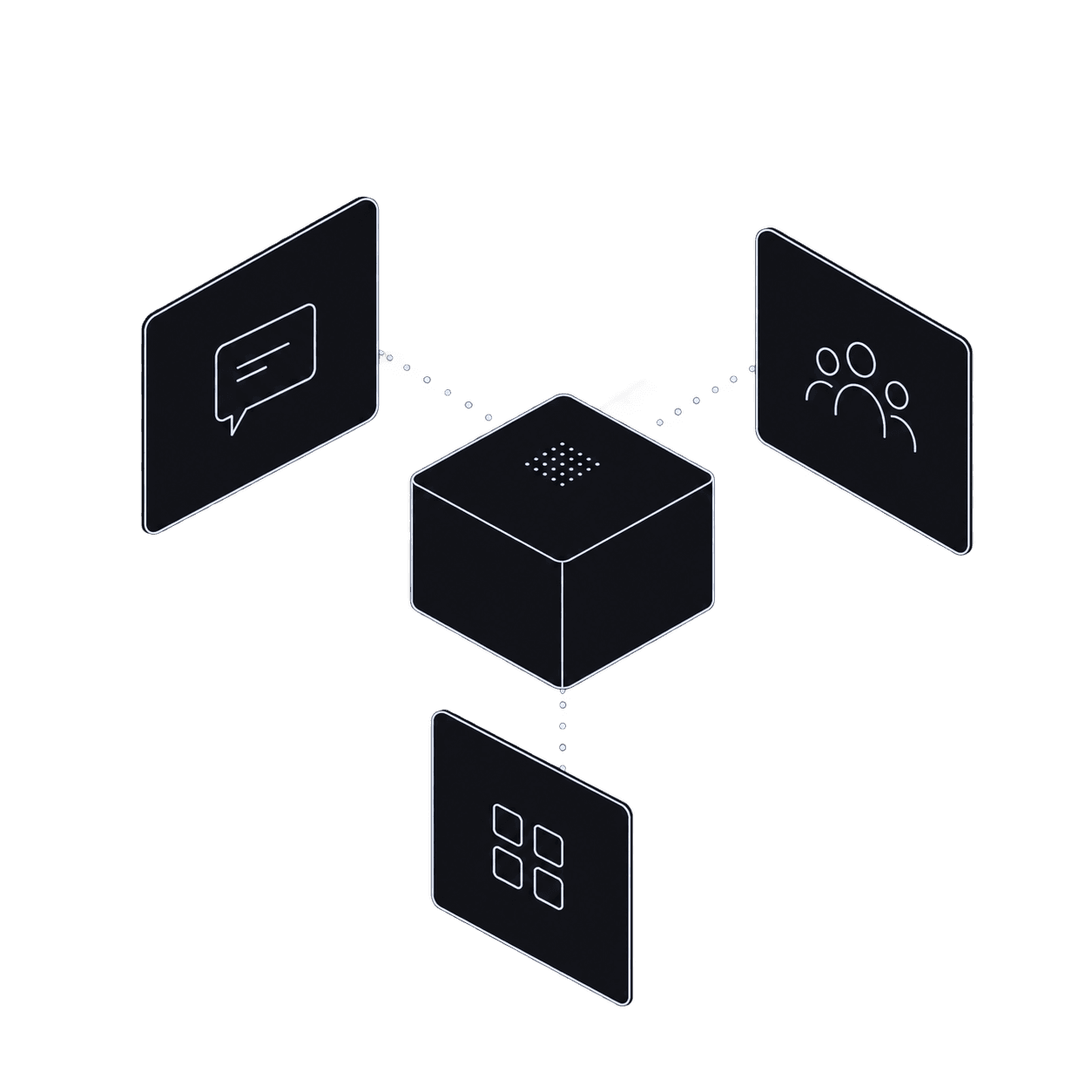
Start with Slack, then expose the same agent through a v1 Responses API-compatible endpoint for product and workflow integrations.
Slack
agent bridge
Harness as Code
Keep prompts, tools, skills, runtime config, and operating context in one reproducible harness your team can review and change safely.
AgentOps Workflow
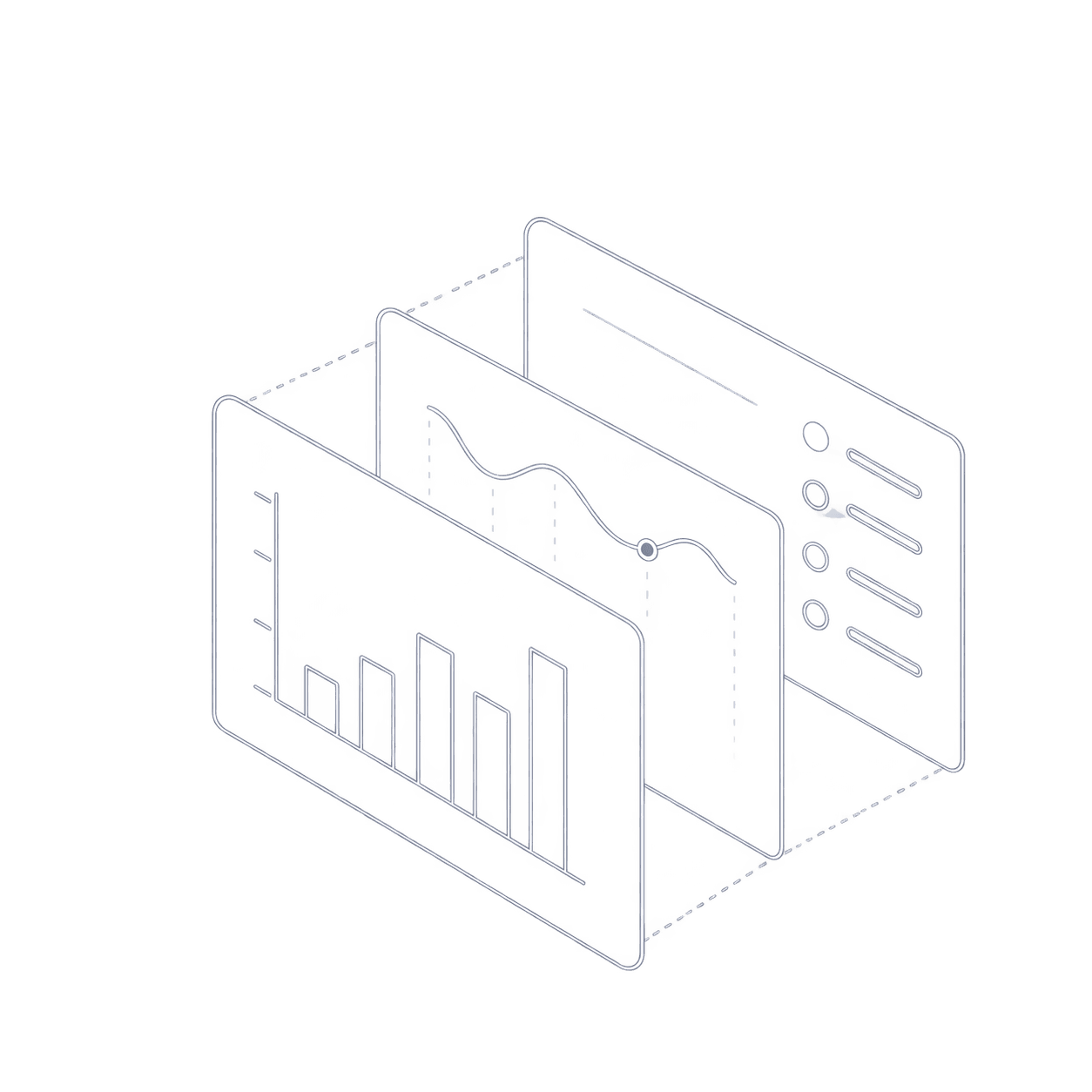
Inspect runs, failures, tool calls, and outputs so engineers can improve agent quality from real operating data.
Multi-Agent Control Plane
Give the team one place to see what is live, what changed, and which agents are ready for more business workflows.
The offer
First internal Slack agent live in 7 days — or your first month is free.
10 launch cohort spots
Everything included in the 7-day launch sprint and launch cohort plan.
One internal agent for a real business use case, available in Slack for business users.
Hands-on support across the 7-day sprint so your team can unblock setup, launch, inspection, and first iteration work.
A starter harness with Slack context, base prompts, tool examples, and coding assistant instructions.
Launch cohort
Standard price
Launch cohort price
Includes the 7-day launch sprint, platform access, and the operating layer your team keeps using after the first agent is live.
Limited to 10 guided onboarding spots
Included
Bring the technical owner, AI engineers, and workflow stakeholders into the launch.
After the first launch, your team can keep creating internal agents on the same platform.
Early access is open. Join the engineers and agencies building agents that operate computers.
Built by an AI engineer, for AI engineers.
Salambo gives your team the operating layer for internal agents, so iteration stays focused on agent quality.
Sessions, logs, runtime config, access surface, and release operations from day one.
Reusable integration patterns for Slack and the business systems your agent needs to touch.
Prompts, skills, tools, instructions, and config in a workflow engineers can review and change.
Deploy, observe runs, inspect failures, ship iterations, monitor behavior, and roll back.
One place to manage internal agents, deployment spaces, sessions, runtime capacity, and operational state.
Included for launch cohort customers while testing the first real workflow.
Three clear phases. No vague onboarding. No endless implementation project.
Day 1
We confirm the use case, owner, Slack surface, and required tool or data access.
Days 2-6
Your team configures the agent, tests real runs, inspects behavior, and ships the first useful iteration.
Day 7
The Slack agent is live, and your team has the workflow to launch and improve future agents.
Use separate deployment spaces for different internal workflows, teams, or experiments.
Launch cohort customers get compute credit while testing the first business workflow.
10 hours of 1:1 launch support during the 7-day sprint.